
Image Resizer For Pinterest
Resize your images to the perfect dimensions for Pinterest pins. Create stunning vertical pins that stand out in the feed.
Drop your image here or click to browse
Supports JPG, PNG, GIF, WebP (Max 10MB)
Preview
Image Resizer For Pinterest: Complete Guide to Perfect Pin Sizes
Creating eye-catching Pinterest pins is no longer optional; it is essential for driving traffic, building brand authority, and increasing conversions. Pinterest is a visual discovery platform where image dimensions, clarity, and consistency directly influence performance. That is why Image Resizer for Pinterest is helpful for bloggers, marketers, designers, and online businesses aiming for better results.
Pinterest favours vertical images with specific aspect ratios. Uploading visuals with incorrect sizes often leads to cropped designs, reduced engagement, and limited reach. A dedicated resizing solution ensures every pin appears polished and algorithm-friendly. With Image Resizer For Pinterest, users can resize images quickly to match Pinterest’s recommended dimensions without advanced tools or design experience.
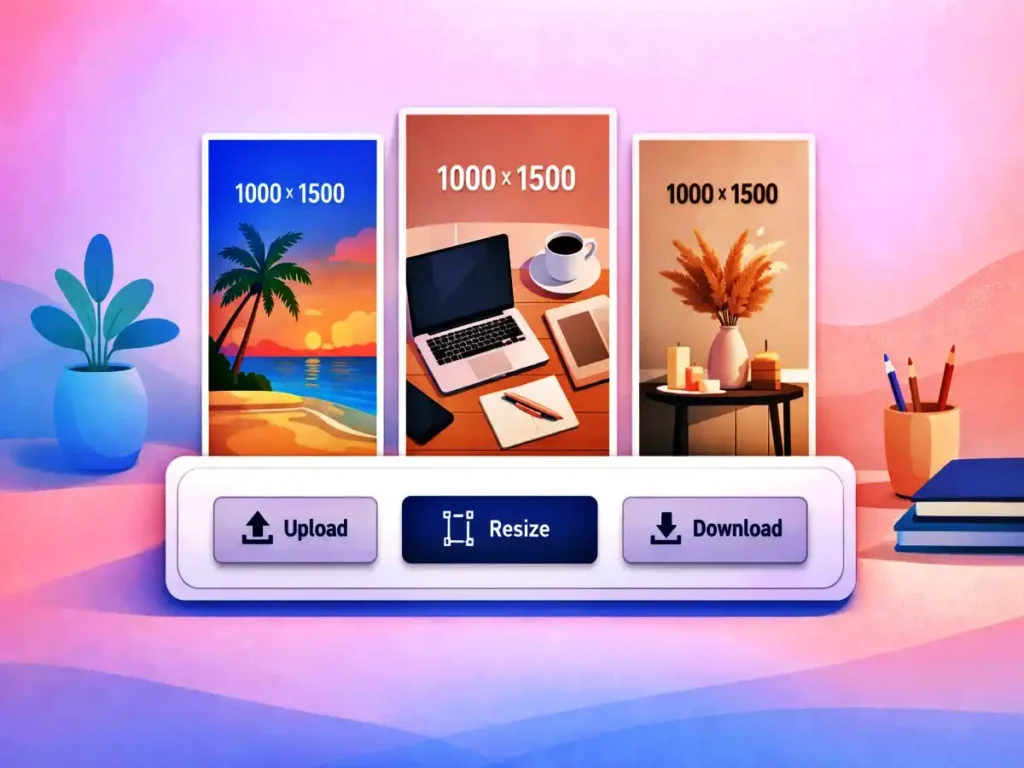
Why Pinterest Image Size Matters
Pinterest’s algorithm prioritises pins that deliver a seamless and visually appealing experience. Images that are too wide, too small, or blurry are more likely to be ignored. Using the right resizing approach ensures visuals meet platform standards and stand out in busy feeds.
Pinterest currently recommends an image size of 1000 × 1500 px with a 2:3 aspect ratio. Ignoring these guidelines can reduce visibility and save. Manually adjusting images in traditional design software can be time-consuming and confusing, especially for beginners. This is where Image Resizer for Pinterest simplifies the process by automating resizing in seconds.
What Is This Tool?
Image Resizer for Pinterest is a browser-based web application designed to resize images according to Pinterest-approved dimensions. No installation, login, or API key is required. Users simply upload an image, resize it, and download the optimised version.
Unlike complex graphic editing software, this tool focuses on speed and simplicity. It removes unnecessary steps and produces clean, pin-ready images suitable for immediate publishing.
Key Features That Make It Effective
One of the biggest advantages of Image Resizer for Pinterest is ease of use. The interface is intuitive, allowing users to resize images without technical knowledge or prior design experience.
Another important feature is quality preservation. Many resizing tools reduce sharpness after scaling, but this solution maintains clarity and visual appeal through optimised resizing techniques.
Batch processing is also supported, making Image Resizer for Pinterest useful for bloggers, marketers, and social media managers who work with multiple images daily.
No Design Skills Required
Professional design software can feel overwhelming. Image Resizer for Pinterest eliminates complexity by offering a simple, one-click solution. Upload an image, let the tool adjust dimensions, and download the result instantly.
This makes it ideal for beginners, small business owners, and solo creators who want polished visuals without spending hours learning design tools.
SEO and Traffic Advantages
Pinterest functions like a visual search engine. Correctly sized images often receive higher click-through rates, more saves, and stronger engagement. By using Image Resizer for Pinterest, pins align with Pinterest’s best practices and perform better in search results.
Consistent image sizing also strengthens brand recognition. When every pin follows the same format, profiles appear more professional and trustworthy. This tool helps maintain that consistency with minimal effort.
Fast, Secure, and Privacy-Focused
Speed matters when managing digital content. Image Resizer for Pinterest processes images within seconds, even high-resolution files. There are no forced sign-ups, watermarks, or hidden restrictions.
Privacy is another key advantage. Uploaded images are not stored permanently. Files remain secure and are automatically removed after processing.
Who Can Benefit From This Tool?
Image Resizer for Pinterest is suitable for bloggers, affiliate marketers, e-commerce sellers, social media managers, digital marketers, and content creators focused on Pinterest growth.
Works on All Devices
Whether accessed from a desktop, tablet, or mobile phone, Image Resizer for Pinterest works smoothly across all screen sizes. Its responsive design ensures a consistent experience everywhere.
This flexibility allows users to resize images anytime, making it a practical solution for modern content workflows.
Why Choose This Tool Over Others?
Many resizing tools are overloaded with unnecessary features or locked behind subscriptions. Image Resizer for Pinterest focuses only on what truly matters: accurate sizing, speed, and image quality.
There are no watermarks or forced branding, making it a reliable and cost-effective solution for long-term use.
Built for the Future
Pinterest trends and image standards continue to evolve. Image Resizer for Pinterest is designed to adapt, ensuring compatibility with future platform updates and visual guidelines.
Frequently Asked Questions (FAQs)
What is Image Resizer for Pinterest used for?
It is used to resize images into Pinterest-recommended dimensions for improved visual quality and engagement.
Does Image Resizer for Pinterest reduce image quality?
No. It preserves clarity while resizing through optimised scaling.
Is Image Resizer for Pinterest free to use?
Yes, there are no additional fees, and the tool is totally free.
Can I resize multiple images at once?
Yes, batch resizing is supported for faster workflows.
Is my data safe while using this tool?
Yes. Images are not permanently stored and are removed automatically.
Do I need design experience to use this tool?
It doesn’t require any design knowledge. The tool is easy to use and appropriate for novices.
Final Thoughts
Pinterest’s success depends heavily on visual quality and consistency. Using Image Resizer for Pinterest helps ensure every pin meets recommended standards, looks professional, and performs better in both search results and feeds.