
Image Cropper Tool
Cropped Image Ready!
⬇ Download Cropped ImageImage Cropper Tool: Complete Guide to Cropping Images Online Easily
In today’s digital landscape, images are essential for communication, branding, and user engagement. From websites and blogs to social media and eCommerce platforms, well-edited visuals create a strong first impression. One of the easiest ways to improve image presentation is by using an Image Cropper Tool, which allows you to remove unwanted areas and highlight what truly matters in your visuals.
This guide explains how the Image Cropper Tool works, its benefits, key features, best practices, and why this web app is essential for modern content creators.
What Is an Image Cropper Tool?
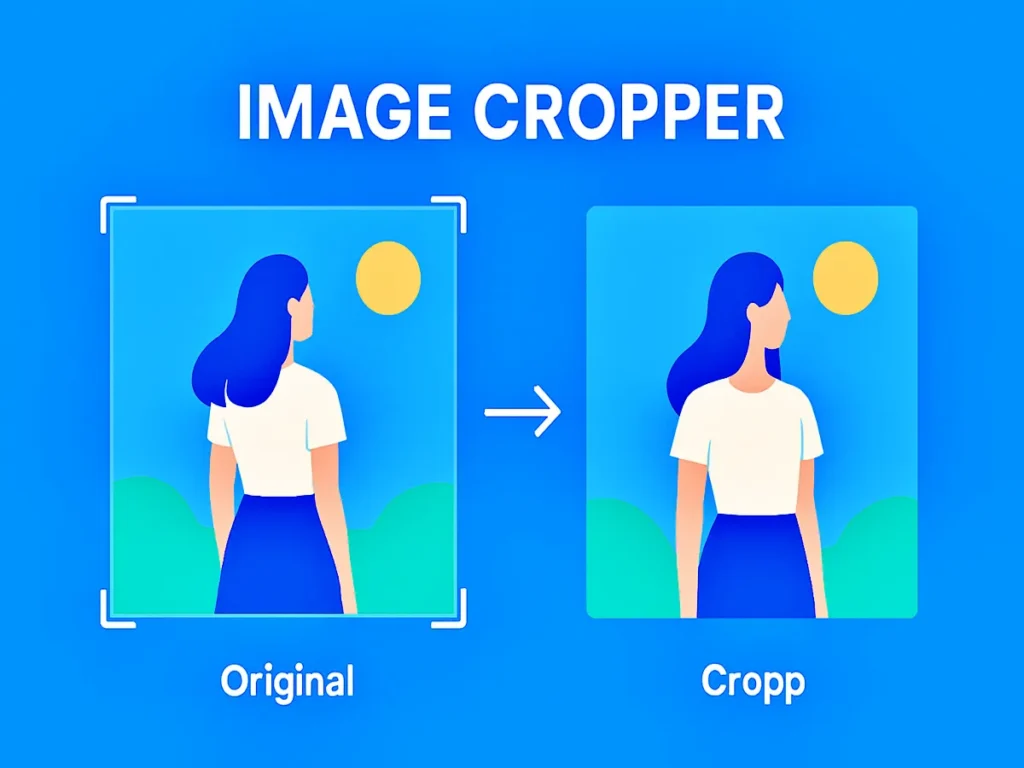
An Image Cropper Tool is a web-based application that helps users trim images by selecting a specific area and removing unnecessary parts. It allows precise control over size, shape, and aspect ratio without requiring advanced design skills.
Unlike heavy photo-editing software, this type of online tool is lightweight, fast, and accessible directly from your browser, making it ideal for beginners and professionals alike.
Why Image Cropping Matters in Digital Content
Images that are poorly sized or incorrectly framed can reduce visual appeal and user engagement. Cropping images correctly ensures clarity, balance, and consistency across different platforms.
Key reasons image cropping is important include:
- Better visual focus
- Improved user experience
- Faster page loading
- Consistent branding
- Optimised images for SEO
Using a reliable Image Cropper Tool helps ensure every image serves its intended purpose.
How an Online Image Cropper Works
Most online image cropping tools follow a simple workflow designed for ease of use:
- Upload an image from your device
- Select the area you want to keep
- Adjust the crop using drag handles
- Choose an aspect ratio if needed
- Preview and download the edited image
The entire process usually takes only a few seconds and requires no technical knowledge.
Key Features You Should Look For
A good image editing web app should include the following features:
Adjustable Crop Area
Manually resize and reposition the selection box for precise edits.
Aspect Ratio Presets
Popular ratios such as square, portrait, landscape, and social media sizes.
Real-Time Preview
Instantly see how the final image will look before saving.
High-Quality Output
Ensures the cropped image remains sharp and clear.
Browser-Based Editing
No downloads or installations required.
Benefits of Using an Online Image Cropper Tool
Using a web-based Image Cropper Tool offers several advantages:
- Fast and efficient image editing
- No software installation needed
- Beginner-friendly interface
- Free to use for most features
- Works on all devices, including mobile
These benefits make this tool perfect for everyday image editing tasks.
Common Use Cases for Image Cropping
Image cropping tools are widely used across different industries and purposes:
- Creating profile pictures
- Preparing blog and article images
- Optimising product photos
- Designing banners and thumbnails
- Adjusting images for presentations
No matter the platform, properly cropped images look more professional and polished.
Image Cropping and SEO Performance
Optimised images play a crucial role in SEO. Properly cropped visuals help reduce file size and improve page speed, which is a known ranking factor.
Additional SEO benefits include:
- Better content readability
- Improved engagement metrics
- Enhanced visual hierarchy
- Faster website loading times
Search engines favour pages that offer a smooth and visually pleasing experience.
Best Practices for Cropping Images Online
To get the best results when cropping images online, follow these tips:
- Keep the main subject centred
- Avoid cutting off important elements
- Maintain consistent aspect ratios
- Preview images before downloading
- Save original files as backup
These practices ensure high-quality results every time.
Online Image Cropper vs Traditional Photo Editors
Traditional photo editors often offer advanced features, but these are not always necessary for simple tasks.
| Feature | Image Cropper Tool | Traditional Editor |
| Ease of use | Very easy | Complex |
| Setup | No installation | Requires installation |
| Cost | Free | Often paid |
| Speed | Instant | Slower |
| Learning curve | Minimal | Steep |
For quick edits, an Image Cropper Tool is often the smarter choice.
Frequently Asked Questions (FAQ)
What is an Image Cropper Tool used for?
An Image Cropper Tool helps remove unwanted parts of an image and resize it for websites, social media, and digital platforms.
Are online image cropping tools free?
Yes, many tools offer free image cropping with no registration required.
Can an Image Cropper Tool be used on mobile devices?
Yes, most Image Cropper Tool web apps are mobile-friendly and work smoothly on smartphones and tablets.
Conclusion
An Image Cropper Tool is a simple yet powerful solution for improving image presentation online. It helps users create clean, focused visuals quickly without technical complexity. Whether you are managing a website, social media page, or digital project, using an Image Cropper Tool enhances appearance, performance, and user experience.
By choosing an efficient online image cropping solution, you save time, maintain quality, and ensure your visuals always look professional.