
Extract Audio from Video
Upload any video file and extract its audio in high quality
Drop video file here
or click to browse
Processing video file…
Video Preview
No video selected
Duration: –:– | Size: — MB
Extracted Audio
No audio extracted
Format: — | Duration: –:–
How to use this tool
Upload a video file by dragging and dropping or clicking the upload area
Preview the video to ensure it’s the correct file
Click “Extract Audio” to process the video and extract the audio track
Download the extracted audio file in your preferred format
An All-Inclusive Guide to Fast and Excellent Audio Extraction from Videos
In the modern digital era, videos are everywhere—social media, online courses, podcasts, tutorials, interviews, and marketing content. In many cases, the most valuable part of a video is the sound rather than the visuals. This is where a powerful web app to Extract Audio from Video becomes extremely useful. Whether you need music, voice recordings, or sound clips, separating audio efficiently saves storage space and improves usability. This in-depth guide explains how a modern Extract Audio from Video web app works, why it is essential in 2026, and how it benefits creators, professionals, and everyday users.
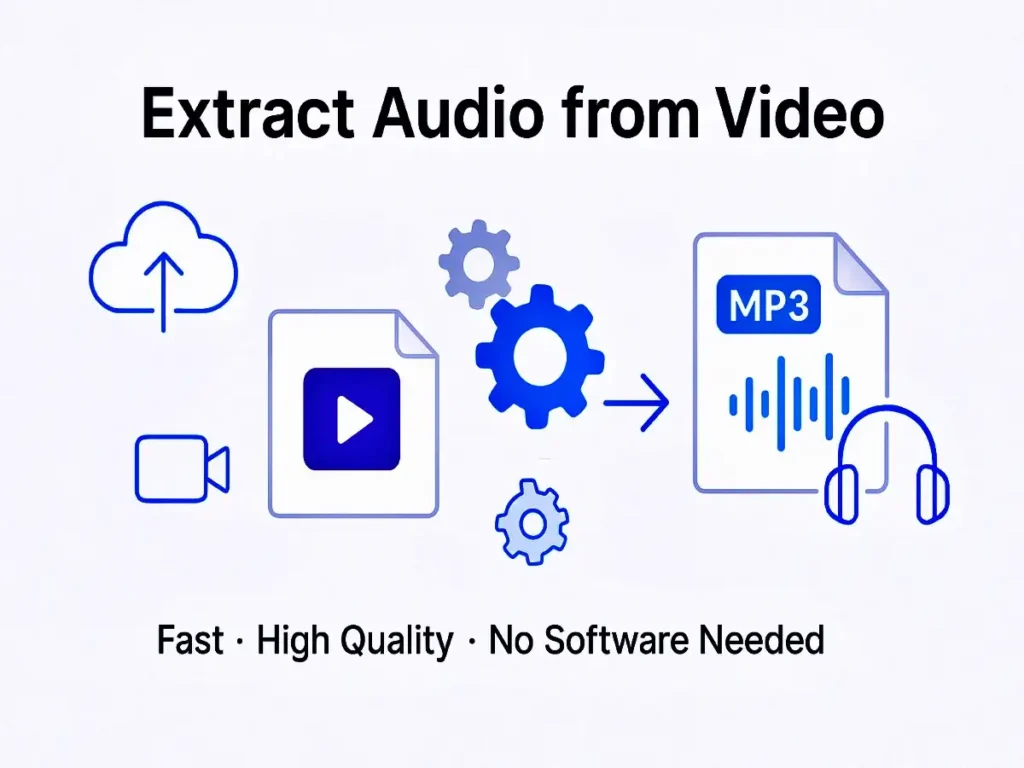
What Does Audio Extraction from Video Mean?
To Extract Audio from a video means isolating the soundtrack from a video file and saving it as a standalone audio format such as MP3, WAV, or AAC. Instead of storing a large video file, users can keep only the audio they actually need.
This process allows offline listening, content reuse, and easy conversion of video recordings into podcasts, ringtones, or background audio. A reliable audio extraction tool performs this task efficiently while preserving sound clarity.
Why Audio Extraction Is Important in 2026
Digital consumption habits continue to shift toward audio-based content. Podcasts, audiobooks, and voice platforms are growing rapidly, making large video files unnecessary when only sound is required.
Using a modern solution to Extract Audio from Video helps users:
- Significantly reduce file size
- Save device storage
- Improve accessibility
- Reuse content across platforms
- Convert videos into audio-only formats
As audio-first content becomes more popular, smart audio extraction tools play a critical role in content optimisation.
How the Extract Audio from Video Web App Works
A professional Extract Audio from Video web app uses advanced processing techniques to separate audio streams from video files. The workflow is simple:
- Upload a video file from your device
- The system detects the embedded soundtrack
- The audio is separated without unnecessary re-encoding
- The final audio file is prepared for download
The entire process takes only a few seconds, allowing anyone to extract sound from videos without technical expertise.
Supported Formats and Compatibility
A high-quality Extract Audio from Video tool supports a wide range of video formats, including MP4, MKV, AVI, MOV, and WEBM.
It also provides output in popular audio formats such as MP3, WAV, AAC, and OGG. This flexibility ensures smooth audio conversion regardless of the video source or intended use.
Key Features of a High-Quality Audio Extraction Tool
Not all audio extractors offer the same performance. A professional Extract Audio from Video web app should include:
🔹 High-Quality Audio Output
Maintains original sound clarity without distortion.
🔹 Fast Processing Speed
Handles both short and large video files efficiently.
🔹 Browser-Based Operation
No software downloads or installations required.
🔹 Secure File Handling
Files are processed safely and deleted automatically.
🔹 Mobile & Desktop Compatibility
Works smoothly on smartphones, tablets, and computers.
These features ensure a reliable and user-friendly extraction experience.
Benefits for Content Creators
Content creators often record long videos when only the audio portion is needed. Using an Extract Audio from Video web app allows creators to:
- Convert videos into podcast episodes
- Reuse interviews for audio platforms
- Create voice-only educational content
- Reduce editing and production time
This approach helps creators expand reach without re-recording content.
Use in Education and E-Learning
Online learning platforms rely heavily on recorded lectures and tutorials. Students and educators use audio extraction tools to:
- Listen to lessons offline
- Create audio-based study materials
- Reduce data consumption
- Improve accessibility for diverse learners
Audio-only formats make learning more flexible and inclusive.
Business and Marketing Applications
Businesses frequently work with video ads, webinars, and presentations. A smart Extract Audio from Video solution helps teams:
- Turn webinars into podcast episodes
- Reuse voiceovers across campaigns
- Create audio ads from video content
- Archive sound files efficiently
This approach saves time while maximising content reuse.
Is It Safe to Extract Audio from Video?
Yes, a trustworthy Extract Audio from Video web app is safe when it follows standard privacy practices. Reliable platforms ensure:
- Encrypted data transfer
- No permanent file storage
- Automatic file deletion after processing
- No unauthorised access
Always select tools that put user privacy and transparency first.
Does Audio Extraction Affect Sound Quality?
A high-quality Extract Audio from Video tool preserves the original audio stream whenever possible. As a result, there is no noticeable quality loss unless a lower bitrate is manually selected.
Modern extraction technology ensures audio remains clear, balanced, and professional.
When Should You Extract Audio from Video?
You should extract audio in situations such as:
- Turning video content into podcasts
- Saving music from personal recordings
- Reducing storage requirements
- Listening to content offline
- Reusing audio for creative projects
This process adds flexibility to how content is consumed and shared.
Extract Audio from Video on Mobile Devices
Mobile users often need quick solutions without installing apps. A browser-based Extract Audio from Video web app provides:
- Smooth performance on smartphones
- No app installation required
- Fast processing on mobile networks
- Easy access from anywhere
Mobile compatibility is a major advantage of modern tools.
Future of Audio Extraction Technology
In 2026 and beyond, AI-driven solutions will make it even easier to Extract Audio from Video. Future tools may automatically remove background noise, enhance voices, and detect important audio segments.
These advancements will make audio extraction faster, smarter, and more accurate.
Frequently Asked Questions (FAQs)
How can I extract audio online?
You can use a browser-based tool that separates soundtracks from videos and allows instant downloads.
Does audio extraction reduce sound quality?
No, reliable tools preserve the original audio without noticeable loss.
Is audio extraction free to use?
Many platforms provide free services without requiring registration.
Can I use these tools on my phone?
Yes, modern tools are optimised for both mobile and desktop devices.
Is audio extraction useful for SEO?
Indirectly, yes. Smaller files improve performance and user experience.
Which audio formats are supported?
Most tools support MP3, WAV, AAC, and other common formats.
Final Thoughts
A reliable Extract Audio from Video web app is an essential digital tool in 2026. From content creation and education to marketing and personal use, audio extraction delivers efficiency, flexibility, and convenience.
By using smart audio extraction tools consistently, users can reduce file sizes, repurpose content, and enjoy high-quality sound without unnecessary video data, making digital content faster and more accessible.